
A mobile phone has become an essential part of everyday life, helping people stay connected through calls, text messages, navigation, online banking, and communication apps. When a chatr sim suddenly stops working, it can interrupt these important activities and leave users wondering what to do next.
Fortunately, many SIM-related issues have simple explanations and practical solutions. Whether the phone shows “No Service,” fails to detect the SIM card, or mobile data is unavailable, understanding the possible causes can help restore normal service. This guide explains why a chatr sim may stop working, the most common troubleshooting steps, and how to keep a mobile device performing reliably.
What Is a Chatr SIM?
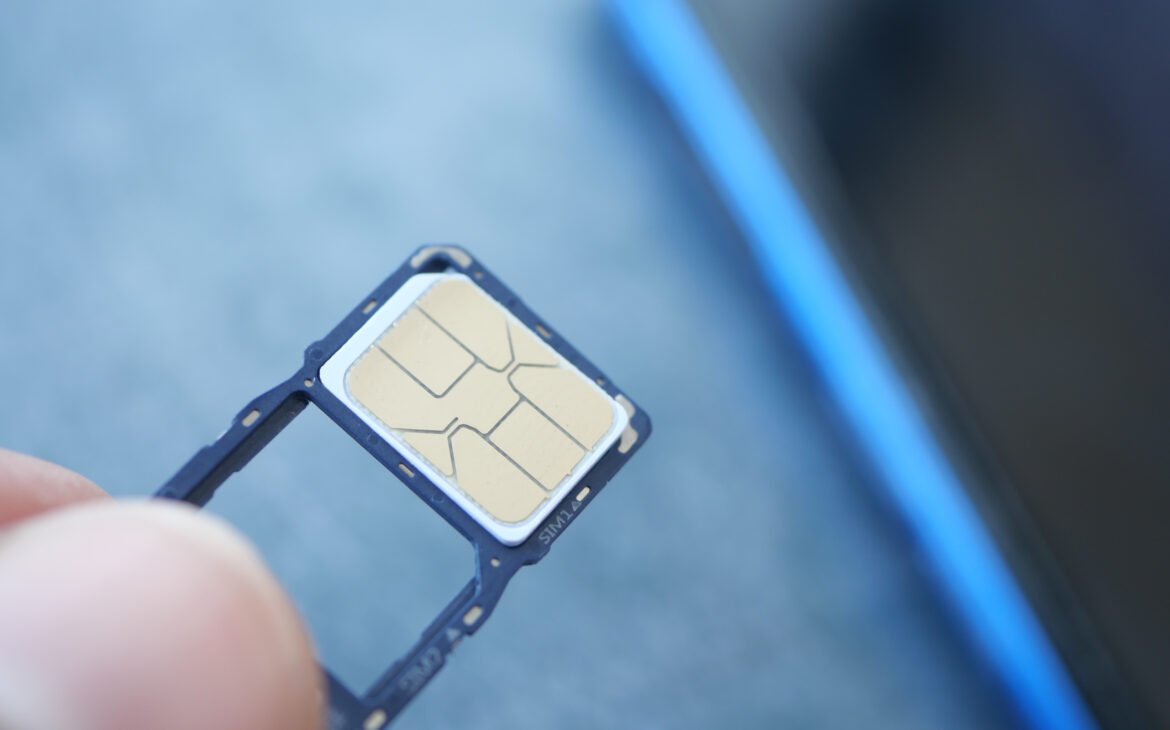
A chatr sim is a Subscriber Identity Module (SIM) card that connects a compatible mobile phone to the Chatr mobile network. The SIM stores information that identifies the user’s account and enables voice calls, text messaging, and mobile data.
Once activated and inserted into a compatible phone, a chatr sim allows users to access their selected mobile services throughout supported coverage areas.
Why Might a Chatr SIM Stop Working?
There are several reasons why a chatr sim may not function as expected. Some issues are related to the phone itself, while others involve the SIM card or network settings.
Common situations include:
- The SIM card is not seated correctly.
- The phone requires a restart.
- Mobile network settings need refreshing.
- The SIM card has collected dust or debris.
- The device software requires an update.
- The phone is not compatible with the selected network.
Identifying the cause is the first step toward resolving the issue.
Check That the SIM Card Is Inserted Correctly
A SIM card should fit securely inside the phone’s SIM tray. If the card shifts slightly during insertion, the phone may have difficulty recognising it.
Turning the phone off before removing and reinserting the chatr sim helps ensure it is positioned correctly. Once the SIM tray is securely in place, restarting the phone allows the device to search for the mobile network again.
Restart Your Mobile Phone
Restarting the phone is one of the simplest troubleshooting steps for many mobile issues.
A restart refreshes network connections and allows the phone to detect the chatr sim again. This process also refreshes temporary system functions that support mobile connectivity.
Many connectivity concerns are resolved after a complete restart.
Check for Software Updates
Keeping the phone’s operating system updated helps support reliable mobile performance.
Software updates often include improvements related to network compatibility, security, and device stability. Installing available updates helps the phone communicate efficiently with the chatr sim and mobile network.
Inspect the SIM Card
Over time, a SIM card may collect dust from everyday use.
Carefully inspecting the chatr sim for visible dirt and gently cleaning the metal contacts with a soft, dry cloth can improve the connection between the SIM card and the phone.
Handling the SIM card carefully helps maintain its condition over time.
Confirm Phone Compatibility
Many unlocked smartphones support a chatr sim, although compatibility depends on the phone model and supported network frequencies.
Before using a SIM card, it is helpful to confirm that the phone is compatible with Canadian mobile networks and supports the required frequency bands.
Check Mobile Network Settings
Modern smartphones include network settings that control how the device connects to mobile services.
Reviewing settings such as:
- Mobile network selection.
- Mobile data.
- Roaming preferences when applicable.
- Airplane mode status.
These settings help ensure the chatr sim can communicate with the available network.
Test the SIM Card
If another compatible phone is available, testing the chatr sim in that device can help determine whether the issue is related to the SIM card or the original phone.
Likewise, testing another compatible SIM card in the original phone may provide additional information about the device’s connection.
These simple checks can help identify where the issue originates.
Protect Your SIM Card
Good maintenance helps extend the life of a chatr sim.
Helpful tips include:
- Store the SIM safely when it is removed.
- Avoid bending the SIM card.
- Keep it away from moisture.
- Handle it by the edges.
- Keep the SIM tray clean.
Proper handling supports reliable performance throughout everyday use.
Helpful Mobile Accessories
Several accessories can improve the overall smartphone experience while protecting the device.
Useful accessories include:
- Protective phone cases.
- Screen protectors.
- Charging cables.
- Fast chargers.
- Power banks.
- Car phone mounts.
- Bluetooth headphones.
Quality accessories help support both convenience and long-term device care.
Frequently Asked Questions
Why is my phone showing “No SIM” or “No Service”?
This message may appear if the chatr sim is not fully detected, network settings require refreshing, or the phone needs to reconnect to the mobile network.
Can restarting my phone help?
Yes. Restarting the phone refreshes network services and often helps the device recognise the chatr sim again.
How do I know if my phone is compatible?
Many unlocked smartphones are compatible with a chatr sim. Checking the device specifications helps confirm network compatibility.
Should I clean my SIM card?
Keeping the SIM card clean and free from dust supports good contact between the SIM and the phone.
What accessories help protect my phone?
Protective cases, screen protectors, quality chargers, and power banks all contribute to better everyday smartphone use.
About Max Mobile and Gifts
Max Mobile and Gifts is the best place for professional phone and iPhone repair services in Vancouver, Canada. The business also offers a wide selection of accessories and gifts for all occasions. Services include cell phone repair, fob copy, key cutting, Passport & PR photo services, mobile accessories, photo copy & printing services, watch battery replacement, luggage, hip hop jewellery, and perfume and cologne. Customers looking for mobile accessories, phone support, and practical technology solutions can find services that help keep everyday devices working efficiently.
Conclusion
A chatr sim plays an important role in keeping a smartphone connected for calls, messages, and mobile data. When the SIM card stops working, simple steps such as checking the SIM placement, restarting the phone, reviewing network settings, confirming compatibility, and keeping the SIM clean often help restore normal operation. Understanding these troubleshooting methods allows users to maintain reliable mobile connectivity and enjoy a smoother smartphone experience.