
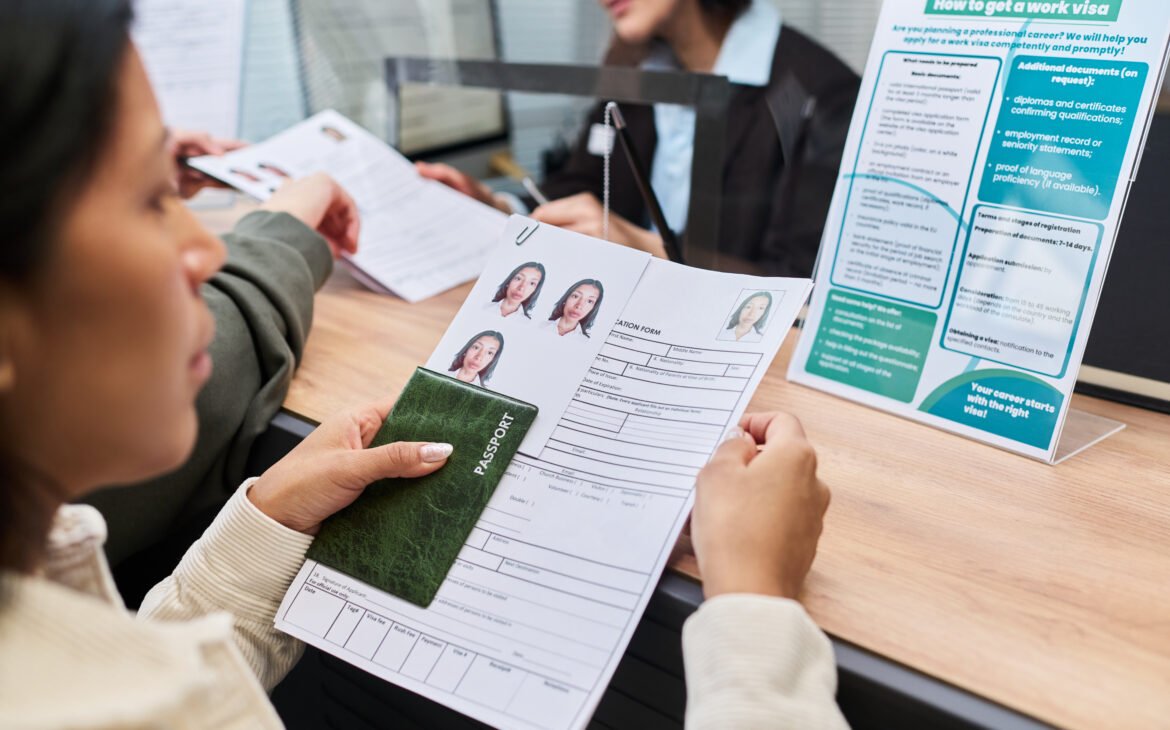
Submitting a passport, visa, permanent residency, or citizenship application in Canada involves many moving pieces, and the photo is one detail that applicants often want to get right on the first try. Meeting IRCC photo requirements accurately helps avoid processing delays, returned applications, and the added time and cost of retaking a photo. Understanding exactly what these requirements involve makes it much easier to prepare a compliant photo before submission.
Start With the Official Specifications
The most reliable way to meet IRCC photo requirements is to review the official specifications before scheduling a photo session. These typically include exact dimensions, such as the standard 50mm by 70mm size for most Canadian immigration and passport photos, along with requirements for head positioning, image resolution, and file format for digital submissions. Reviewing the current guidelines ahead of time helps applicants communicate clearly with a photographer and recognize whether a photo meets the standard before it is submitted.
Pay Close Attention to Background and Lighting
Background color plays a significant role in whether a photo satisfies IRCC photo requirements. A plain white or light gray background is generally required, free of shadows, patterns, or other objects. Even lighting across the face, without harsh shadows or glare, is equally important. Photos taken outdoors or in rooms with uneven lighting often show shadows around the nose, cheeks, or neck, which can lead to rejection. A controlled indoor setting with soft, even lighting typically produces the most consistent results.
Maintain a Neutral Expression and Proper Head Position
IRCC photo requirements call for a neutral facial expression, with the mouth closed and eyes open and clearly visible. The head should face the camera directly, without tilting, and both ears do not need to be visible, though the full face must be unobstructed. Sunglasses, hats, and other head coverings are generally not accepted unless worn for religious or medical reasons, in which case additional documentation may be required. Keeping hair away from the eyes and eyebrows helps ensure the entire face remains visible for accurate identification.
Double-Check Recency and Image Quality
Photos must reflect a person’s current appearance, which is why most application types request a photo taken within the past six months. Older photos, even if they technically meet size and background standards, may be rejected if the applicant’s appearance has changed noticeably. Image quality also matters significantly. Blurry, pixelated, or low-resolution photos, along with printed images that show scratches or discoloration, do not meet IRCC photo requirements and should be avoided entirely.
Consider Professional Photography Support
Many applicants find that working with a professional photographer familiar with government photo standards significantly reduces the risk of errors. Professionals who regularly take passport and immigration photos understand current specifications, use proper lighting equipment, and know how to position a subject correctly the first time. This kind of experience is particularly valuable for families, since children and infants often have additional guidelines regarding eye contact and assistance from a parent during the photo session.
Review the Photo Before Submitting
Before finalizing an application, it helps to compare the photo against a checklist of IRCC photo requirements one more time. Confirming the background color, checking that the face is centered and properly sized within the frame, verifying that the expression is neutral, and ensuring the image is recent and high quality can catch small issues before they turn into processing delays. Many photography providers also offer a printed reference card showing correct sizing, which makes final verification simple.
Understanding Digital Photo Submissions
Many application types now allow or require a digital photo upload alongside, or instead of, a printed copy. Meeting IRCC photo requirements for digital submissions involves additional considerations, such as file format, file size limits, and minimum resolution in pixels. A photo that looks acceptable on a screen may still fail to meet the technical specifications required by an online application portal if it has been compressed too much or saved in an unsupported format.
Applicants preparing a digital photo should confirm the exact pixel dimensions and file size limits listed for their specific application type, since these details can vary between visa categories, passport renewals, and permanent residency applications. Photography providers experienced with government submissions are often able to supply both a printed photo and a properly formatted digital file at the same time, which helps applicants avoid submitting two separate versions that do not match.
Meeting IRCC photo requirements accurately from the start also reduces stress during an already detailed application process. Applicants juggling multiple documents often appreciate having one less item to worry about once the photo has been confirmed as compliant.
A Trusted Local Option for Photo and Phone Services
Max Mobile and Gifts is a well-known business in Vancouver, Canada, offering professional phone and iPhone repair services along with a wide selection of accessories and gifts for all occasions. The business also provides several additional services useful for everyday needs, including cell phone repair, fob copy, key cutting, passport and PR photo services, mobile accessories, photo copy and printing services, watch battery replacement, luggage, hip hop jewellery, and perfume and cologne. This range of offerings makes it a convenient stop for applicants who want a photo prepared correctly according to current government standards.
Final Thoughts
Meeting IRCC photo requirements comes down to attention to detail, from background color and lighting to head positioning and image recency. Reviewing official specifications, working with an experienced photographer, and double-checking the final image against current guidelines all help ensure a smooth submission process. Taking these steps before applying reduces the likelihood of delays and helps applicants move forward with confidence.