
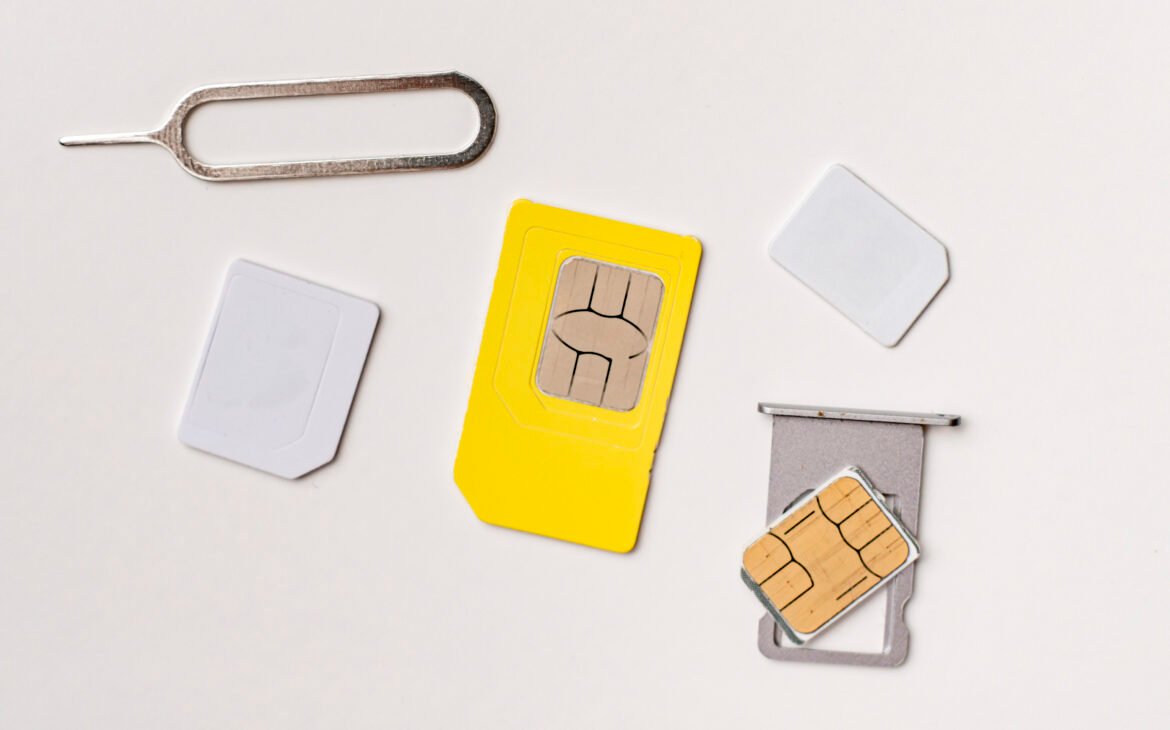
Switching mobile providers can help you find a plan that better suits your needs, but one concern often stops people from making the change: keeping their current phone number. Fortunately, in Canada, it is generally possible to transfer an existing phone number when you activate Chatr SIM service. This process, commonly known as number porting or mobile number transfer, allows you to move your phone number from one provider to another without needing to inform friends, family, customers, or contacts about a new number.
For many people, retaining their current number is essential. Whether it’s linked to banking services, work accounts, social media profiles, or personal contacts, changing numbers can be inconvenient. Understanding how number transfers work can help make the transition smoother and reduce the likelihood of delays during activation.
In this guide, we’ll explain what number porting is, how it works, what information is typically needed, common issues that may occur, and helpful tips for successfully transferring your existing phone number when you activate Chatr SIM service.
What Is Number Porting?
Number porting is the process of transferring an existing phone number from one mobile service provider to another.
Instead of receiving a new phone number when you switch providers, your current number remains attached to your mobile service after the transfer is completed.
This process helps customers:
- Keep the same phone number
- Avoid updating contact information
- Maintain business communications
- Continue receiving calls and messages without disruption
- Simplify switching providers
In Canada, number portability regulations allow eligible customers to retain their phone numbers when changing providers.
Can You Keep Your Existing Phone Number When You Activate Chatr SIM?
In many situations, yes.
Customers who activate Chatr SIM service may be able to request a transfer of their current phone number from another eligible Canadian provider.
The ability to transfer a number depends on factors such as:
- Number eligibility
- Account status
- Accurate account information
- Service area compatibility
- Compliance with provider requirements
Most users find the process straightforward when the required information is prepared in advance.
Why People Choose to Keep Their Existing Number
Keeping an existing number offers several advantages.
Convenience
There’s no need to notify dozens of contacts about a number change.
Business Continuity
Businesses can continue receiving customer calls without interruption.
Account Verification
Many online services use phone numbers for authentication and security.
Personal Connections
Friends and family can continue reaching you using the same number.
Reduced Administrative Work
Avoid updating:
- Banking accounts
- Social media profiles
- Online services
- Delivery accounts
- Professional contacts
For these reasons, number transfer requests are common when customers activate Chatr SIM service.
Information Typically Needed to Transfer a Phone Number
Preparing the correct information can help avoid delays during the transfer process.
Although requirements may vary, customers are often asked to provide information such as:
Current Phone Number
The number being transferred must be provided accurately.
Current Service Provider Information
Information about your existing carrier may be required.
Account Details
Account verification information may be necessary to confirm ownership of the phone number.
Active Service Status
In many cases, the current mobile account must remain active during the transfer process.
Chatr Account Information
Your new Chatr account and SIM card information may also be needed during activation.
Having this information ready before you activate Chatr SIM service can help streamline the process.
Why Your Existing Service Should Remain Active
One of the most common mistakes people make is canceling their old mobile service before initiating a number transfer.
This can create complications because:
- The phone number may become unavailable for transfer.
- Verification processes may fail.
- Porting requests may be rejected.
- Additional delays may occur.
Generally, customers should keep their current service active until the transfer process has been completed successfully.
Steps to Transfer Your Existing Number When Activating a Chatr SIM
The exact process may vary depending on current provider procedures, but the general steps are similar.
Step 1: Obtain a Chatr SIM Card
Before you can activate Chatr SIM service, you’ll need a valid SIM card compatible with your mobile device.
Step 2: Prepare Required Information
Gather:
- Existing phone number
- Current provider information
- Account verification details
- SIM card information
- Contact information
Preparing everything beforehand can help prevent mistakes.
Step 3: Begin Activation
Start the activation process using the available activation method.
During setup, you’ll typically have the option to:
- Request a new number
- Transfer an existing number
Select the number transfer option if you wish to keep your current number.
Step 4: Submit Porting Request
Provide the required information accurately.
Errors in account details are among the most common reasons number transfers are delayed.
Step 5: Complete Verification
Depending on the circumstances, additional verification may be required to confirm ownership of the number.
Step 6: Wait for Processing
Once the request has been submitted, processing begins.
Transfer times can vary depending on several factors.
Step 7: Confirm Successful Transfer
After completion:
- Calls should route correctly.
- Text messaging should function normally.
- Mobile services should operate through the new provider.
Once the transfer is fully completed, your old service will generally be disconnected automatically.
How Long Does Number Transfer Take?
Many people ask how long it takes to transfer a phone number when they activate Chatr SIM service.
Processing times vary depending on:
- Provider systems
- Account verification requirements
- Service type
- Number eligibility
- Technical factors
Some transfers may be completed relatively quickly, while others require additional processing time.
Patience is often necessary while the request moves through the verification process.
Common Reasons Number Transfers Are Delayed
Most transfers proceed smoothly, but delays can occur for several reasons.
Incorrect Account Information
Even small errors can prevent verification.
Examples include:
- Incorrect account numbers
- Misspelled names
- Outdated account details
- Incorrect contact information
Inactive Service
Numbers associated with canceled accounts may not transfer successfully.
Verification Issues
Ownership confirmation may require additional review.
Technical Processing Delays
Occasional network or system issues can affect transfer timelines.
Unsupported Number Transfers
Not all numbers may be eligible for transfer under every circumstance.
Troubleshooting Number Transfer Problems
If your number transfer appears delayed after you activate Chatr SIM service, consider reviewing the following:
Verify Submitted Information
Double-check all account details for accuracy.
Confirm Existing Service Remains Active
Ensure the original account has not been canceled prematurely.
Check Device Compatibility
Verify that your phone supports the required network technologies.
Restart Your Device
A simple reboot may help refresh network settings after activation.
Monitor Confirmation Messages
Activation updates may arrive through email, text, or account notifications.
Frequently Asked Questions
Can I Transfer Any Phone Number?
Most eligible Canadian mobile numbers can generally be transferred, although certain restrictions may apply.
Will I Lose Service During the Transfer?
Temporary interruptions may occur during processing, depending on the specific circumstances.
Do I Need a New Phone?
Not necessarily. Many unlocked phones can continue being used after transferring service.
What Happens to My Old Account?
In many cases, the old account is closed automatically after the transfer is successfully completed.
Can I Transfer a Landline Number?
Eligibility depends on current regulations, provider policies, and geographic considerations.
Tips for a Smooth Number Transfer
To improve your experience when you activate Chatr SIM service and transfer your number:
Keep Current Service Active
Do not cancel your existing account before the transfer is completed.
Gather Information Before Starting
Prepare all necessary account details in advance.
Verify Accuracy
Double-check every piece of information submitted.
Follow Instructions Carefully
Review activation and transfer instructions before beginning.
Save Confirmation Records
Keep copies of emails, receipts, and activation confirmations.
Preparation can significantly reduce delays and complications.
Why Number Porting Is Important
The ability to transfer phone numbers provides consumers with greater flexibility and choice.
Benefits include:
- Easier provider switching
- Improved competition among carriers
- Greater consumer convenience
- Business continuity
- Reduced communication disruptions
For many users, number portability makes switching mobile providers much less stressful.
Stay Connected with Max Mobile and Gifts
Whether you’re looking to activate Chatr SIM service, transfer your existing phone number, repair a damaged device, or upgrade your accessories, having dependable technology is essential. Max Mobile and Gifts is the best place for professional phone and iPhone repair services in Vancouver, Canada. We also offer a wide selection of mobile accessories, chargers, power banks, phone cases, screen protectors, watch batteries, and gifts for all occasions. Our knowledgeable team is committed to helping customers stay connected with reliable products and expert support.
Conclusion
Transferring your existing phone number when you activate Chatr SIM service is often a simple and convenient way to switch providers without losing access to an important number. By preparing the correct information, keeping your current service active during the process, and carefully following activation instructions, you can minimize delays and improve the likelihood of a successful transfer.
Whether you’re changing providers for better coverage, pricing, or service options, understanding how number porting works can make the transition much smoother. With proper preparation and attention to detail, you can continue using the same phone number while enjoying the benefits of your new mobile service.